
What VINELink Covers in Unicoi County
All 95 Tennessee sheriffs take part in Tennessee SAVIN, according to the Tennessee Sheriffs' Association. SAVIN stands for Statewide Automated Victim Information and Notification. That statewide commitment places Unicoi County inside the county-jail network unless an exception is announced. The service reports releases, transfers, and escapes. Help is available at 1-888-868-4631. VINELink carries custody data that agencies supply. It does not include every charge, a full booking record, or a photo. The sheriff stays the true booking source, and the Circuit Court Clerk holds court outcomes. The TN SAVIN participation page documents the program.
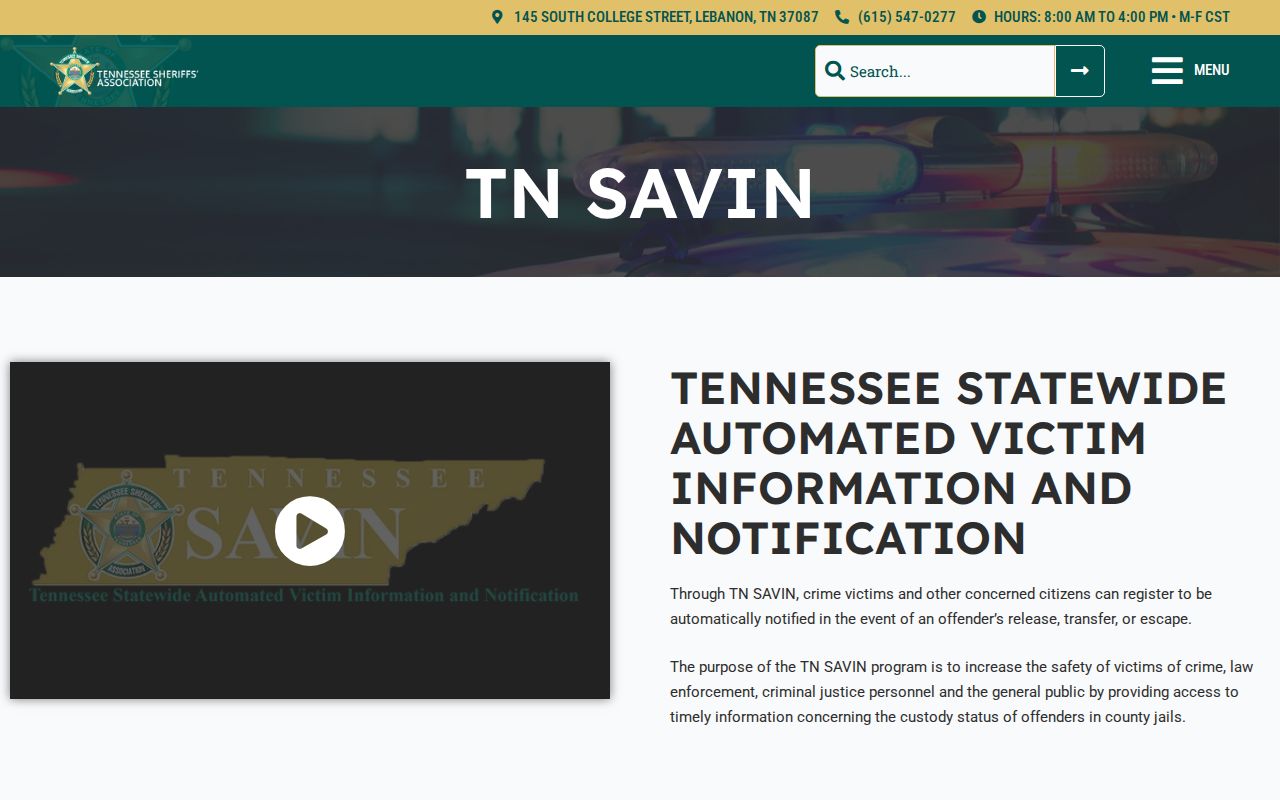
It confirms county participation and the statewide help line.
How to Check a Unicoi County Arrest on VINELink
Two people can share one name. Search with a booking number when you have it, and compare only the identifiers the service lawfully shows. The first match is not always right.
- Open VINELink and choose Tennessee.
- Select the county or facility route if the interface offers it.
- Enter the person’s name and, when available, the booking number.
- Review matching identity and custody details before choosing a record.
- Use the notification option only after confirming the correct person.
A blank result has many causes. It could be a data lag, a spelling difference, a release, a transfer, or custody outside the system, and it never proves no arrest occurred. Use the county booking-record path for the full record.
What VINELink Shows After an Arrest
Result fields vary by contributing agency and interface. Read the labels on the live record. The table separates common custody details from facts you must find elsewhere.
| Information | Meaning or limit |
|---|---|
| Name or identifier | Used to distinguish the custody record |
| Custody status | Shows the reported state, subject to lag |
| Facility | May identify a current holding location |
| Release event | Can trigger a notice when reported |
| Transfer event | Can show movement to another location |
| Charge list | May be incomplete and is not a disposition |
| Booking photo | Not guaranteed |
| Court outcome | Verify through the clerk |
Custody status can change faster than the screen updates. When safety or release planning depends on the answer, call the jail directly.
How to Register for Custody Alerts
Registration attaches to one custody record. Official materials list phone, email, text, and TTY alert options where offered, plus live operators and language help. A four-digit PIN lets you manage notices.
- Open the verified person’s record and choose the notification or get-notified option.
- Select the offered phone, email, text, or TTY method.
- Enter the destination carefully and create the four-digit PIN.
- Save the PIN apart from the alert message.
- Follow the service instructions to confirm, update, or stop the registration.
Never enter another person's contact details without permission. An alert is a prompt to verify, not an emergency warning system. The VINELink site shows the neutral search screen.
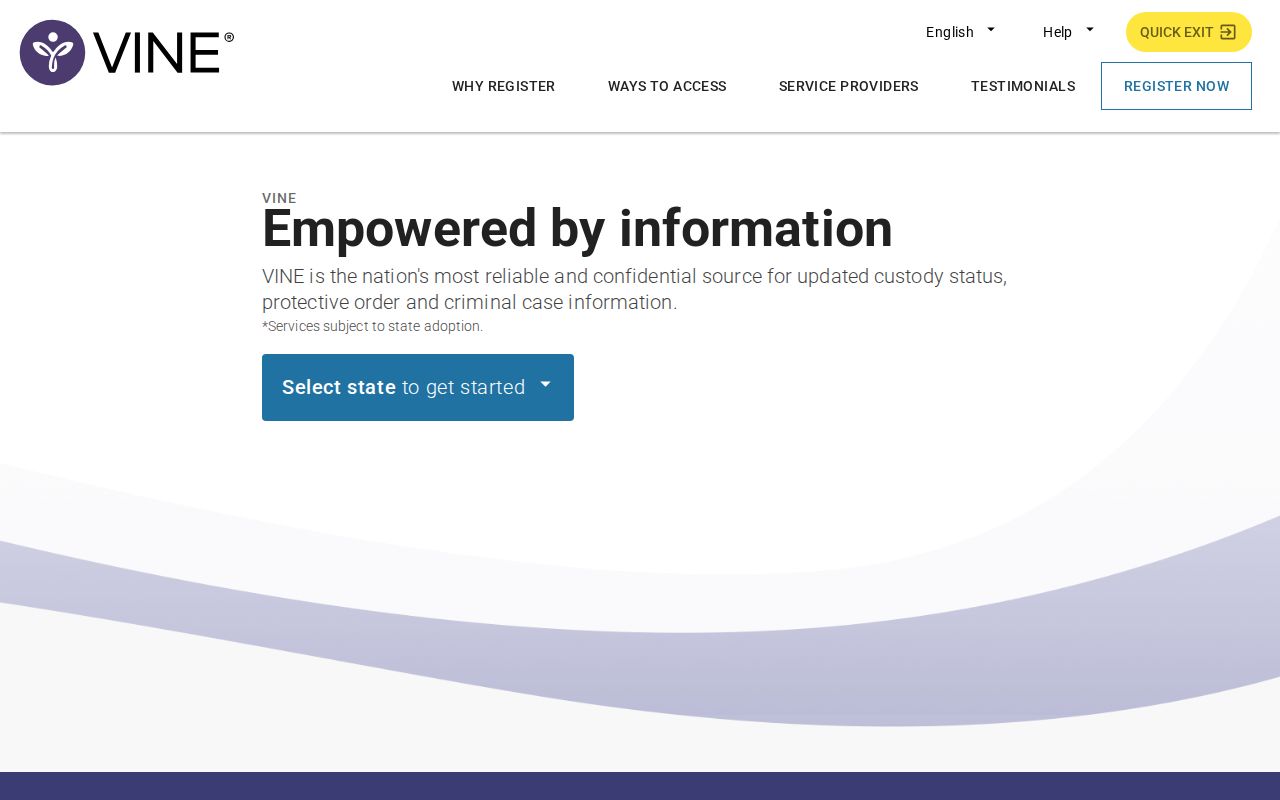
No real person’s name or booking information is displayed in the capture.
VINELink Limits and How to Confirm
VINELink is none of the following: a Bureau of Prisons locator, an ICE detainee locator, or a U.S. Marshals directory. It is also not a warrant search, an expungement system, or a county court database. A federal pretrial detainee can sit in a local contract bed without appearing in BOP. ICE custody uses ODLS. A sentenced Tennessee felon may also carry a TDOC FOIL profile. Fresh bookings can lag. Confirm with the sheriff or the same-day arrest path. The sheriff page lists 423-743-1864. Verify the current jail line, since other directories differ.
Never lean on VINE alone in a crisis. Call 911 for immediate danger and confirm custody changes with the agency in charge.
Unicoi Alerts Have Separate Jobs
County 911 Hyper-Reach notices handle weather and community alerts. The Unicoi sheriff's office publishes no booking app. Tennessee SAVIN is the true custody alert path. Keeping the tools separate stops an alert signup from being mistaken for an arrest feed. TDOC Victim Services also points users to Tennessee in VINELink and supports name or TDOC-number lookups for state custody. That state layer sits apart from county-jail SAVIN, and VINE replaced the older VOICE system there.
After a VINE Custody Match
A custody match shows where a person may be held and which event got reported. It is not a full record. Ask the sheriff for the booking record and photo. The arresting department holds the incident report, and the clerk keeps the docket. If the person later enters TDOC custody or supervision, FOIL covers that stage. Names can match. Custody can shift. Note the event date, compare identifiers, and confirm the court outcome.
Every lookup involves real people. Confirm details with the jail before acting on them.
VINE Names Need Verification
Common names and spelling variants cause shaky matches. Compare the booking number and any identity facts shown. If the service reports a move or release, note the event time and call the facility when decisions depend on it. Never read a court verdict into a custody change. Alerts can fail too. Contact settings drift, so keep yours current and save the PIN. Treat each notice as a prompt to verify, while 911 stays the emergency line and the SAVIN operator line handles system help.
Public Record Search
Sponsored Results
Signing up costs nothing through the official VINE service. Never pay a third party just to set an Unicoi County alert. Unsure of a match? Call the jail rather than registering against the wrong person. Keep your alert notices to yourself. If a message ever conflicts with what the jail tells you, ask which event time is the newer one.